The Guessing Game works. Now make it a little bit yours.
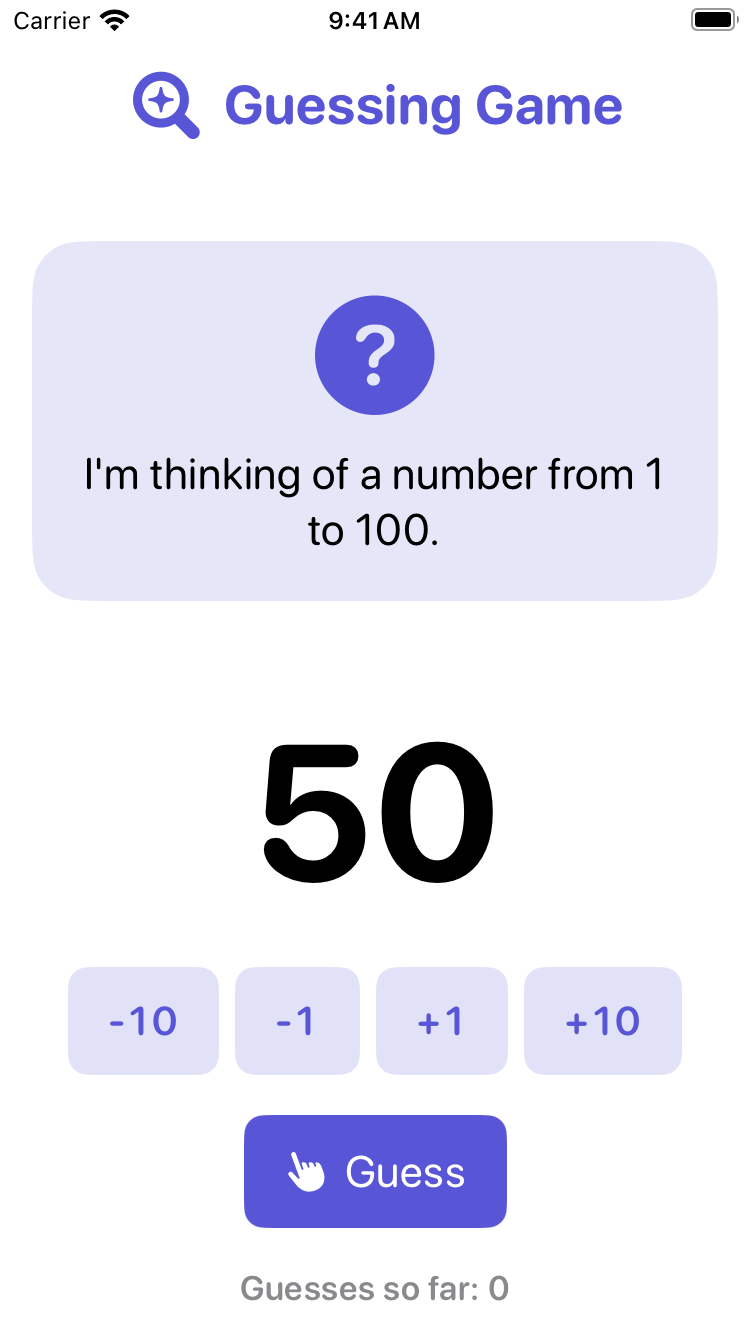
Find a TRY comment
Open GuessingGameView.swift. Look for lines that start with // TRY:. Each one marks a safe place to change something. Lines that start with // are comments: notes for people. Swift ignores them.
Pick one of the changes below. Before you make it, say to a neighbour what you think will happen. Then make the change and look at the preview, or run the game again with Command-R.
| Change | Find this | Try this |
|---|---|---|
| The range | let highestNumber: Int = 100 | let highestNumber: Int = 10 |
| The wrong-guess message | message = "\(guess) is not my number. Try again." | message = "Nope, not \(guess). Have another go!" |
| The size of the big number | .font(.system(size: 96, weight: .bold)) | .font(.system(size: 120, weight: .bold)) |
| The colour of the controls | .tint(Color.indigo) | .tint(Color.teal) |
Change only what is inside the quotation marks, or the number, or the colour’s name. Leave everything else exactly as it is.
If you try the range, put highestNumber back to 100 once you have seen it work. Later lessons count on a game from 1 to 100.
Then ask why
Once your change works, try to answer one of these with your neighbour:
- The colour. Which parts of the screen changed colour? Which did not? Why not?
- The range. What number does the guess start at now? Keep your answer. We’ll come back to it.
- The message. What does
\(guess)do? What happens if you take the backslash out?
If it breaks
Something went red, or the preview stopped working? That is fine. Press Command-Z to undo, one step at a time, until it works again. Then try once more, more carefully. Everyone breaks things. It is how you learn what the rules are.
Test of success
- Your Guessing Game runs, and it is different from the game you downloaded.
- You can point to the line you changed and say what it does.